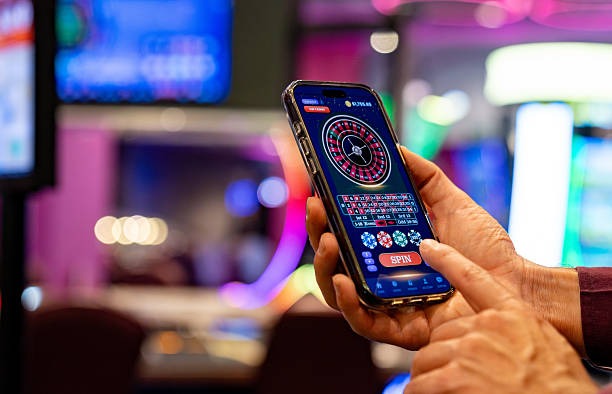
How to access livesport088 on mobile
Installation steps
-
Download the APK or open the web link. Android users download from our app page; iOS users open livesport088.bet in Safari; web users visit the site directly.
-
Install or add to home screen. Android: tap Install; iOS: tap Share → Add to Home Screen; web: bookmark or use the install prompt.
-
Register or sign in to your livesport088 account. New users complete KYC verification; existing users enter username and password.
-
Deposit and start playing. Choose your payment method (DANA, e-wallet, mobile banking, local payment, online payment, e-wallet, or bank transfer) and set your account limits.

App versus browser: which is right for you
Our native Android app offers offline caching of game rules and table layouts, so you can review information even without an internet connection. Push notifications alert you to new live tables, withdrawal confirmations, and login attempts on your account. The app loads faster on slower networks because it stores assets locally. Browser access works on any device without installation and updates automatically when you refresh. Choose the app if you play regularly and want speed and notifications; choose the browser if you prefer simplicity or use multiple devices.
Account sync across devices
Your livesport088 balance, betting history, and two-factor authentication settings sync instantly across all devices. Log out on one phone and log in on another — your account state remains current.
Device compatibility
We support Android 7.0 and later on phones and tablets. iOS users can access livesport088 through Safari, Chrome, or Firefox on iOS 12 and later. Web access works on any modern browser (Chrome, Firefox, Safari, Edge) on desktop, tablet, or mobile. Older devices may experience slower performance or missing features; we recommend updating your operating system for the best experience.
Troubleshooting common installation issues
If Android installation fails, check that your device allows installation from unknown sources (Settings → Security → Unknown Sources). Some devices require you to trust the certificate; this is a standard security step and does not affect your account. If the app crashes on launch, clear the app cache (Settings → Apps → livesport088 → Storage → Clear Cache) and restart. For iOS, if the home-screen shortcut does not work, delete it and re-add it using the Share menu. If you cannot log in after installation, verify your username and password, then check that two-factor authentication is enabled on your account.

Data, permissions, and account security
The livesport088 app requests permission to access your device's internet connection and storage. We do not access your contacts, camera, or location. Your login credentials and withdrawal requests are encrypted in transit using industry-standard TLS protocols. We store your KYC documents (identity card, proof of address) on secure servers and do not share them with third parties. Two-factor authentication adds a second layer of protection: even if someone obtains your password, they cannot access your account without your authentication code. Review your account activity regularly through the Betting History section to spot any unauthorized access.